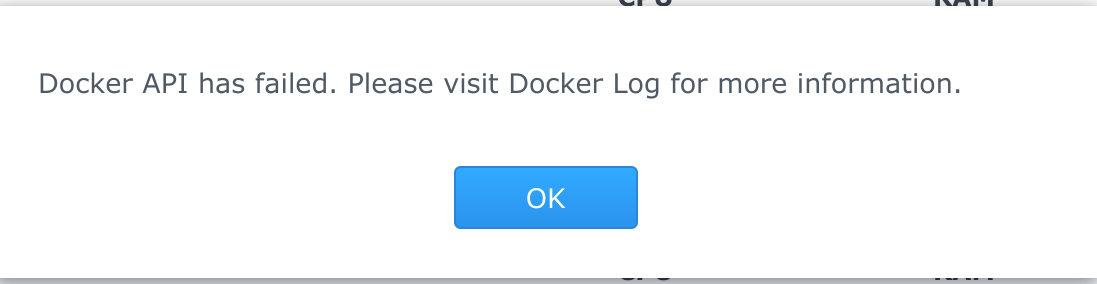
The Situtation: You just migrated your Docker share to a new volume on ad you Snology and when attempting to start a container you receive an error stating "Please visit Docker Log for more information.".

The Actions:
Locate the container name
Identify the container unique ID
Stop the Docker service
Modify the config
Restart the service
The Results: You're done! unless it's still broken...
If you've never broke something, you aren't tyring hard enough.
 To limit yourself to the GUI will become like a human purposefully not breathing
Photographs by NASA on The Commons.